Billing Subusers

How to add a subuser to a billing account
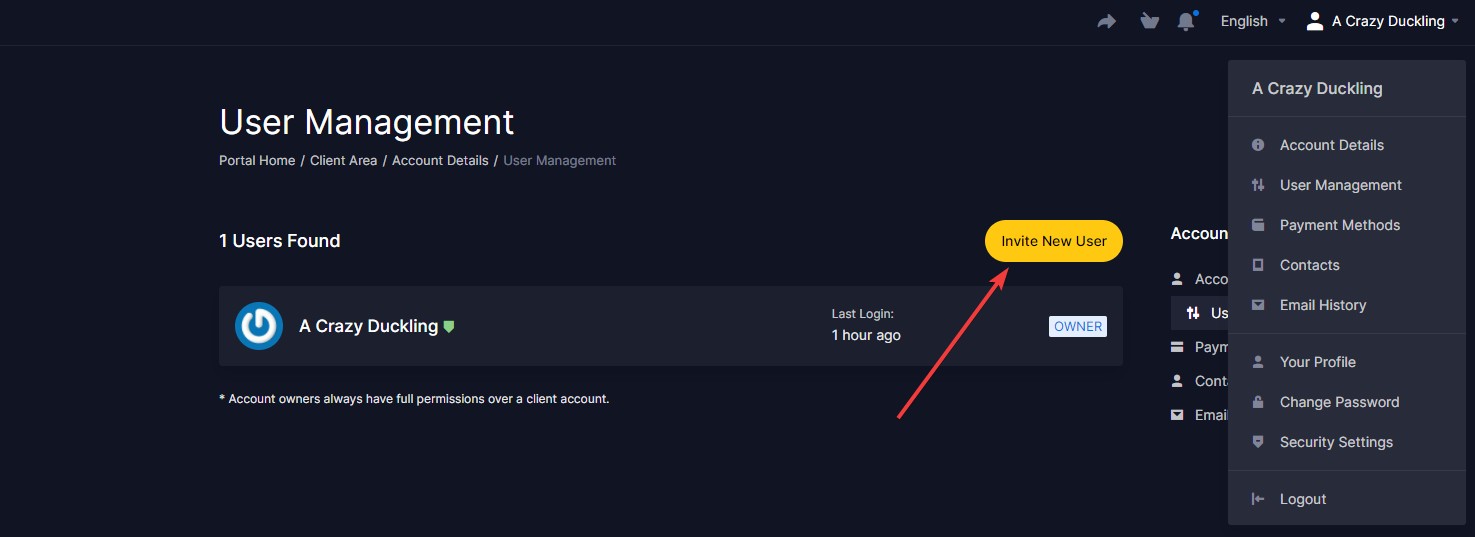
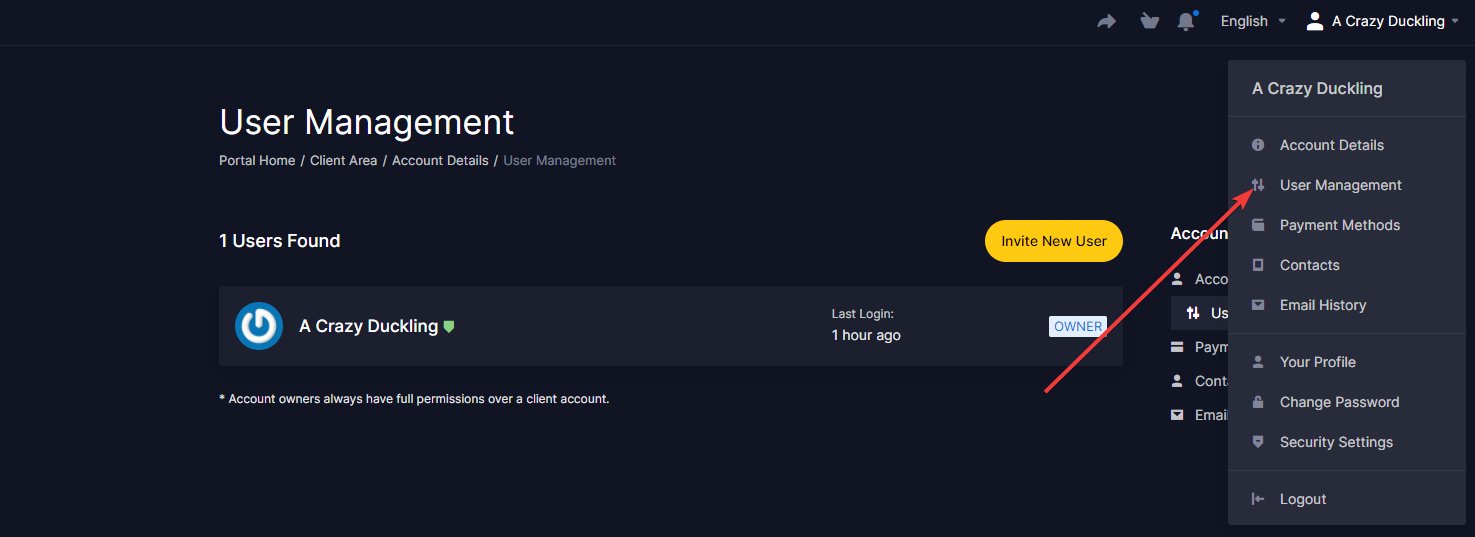
To create a subuser account for your billing account go to the User Management tab on our billing portal. This tab can be find by clicking on your account name on the top right.
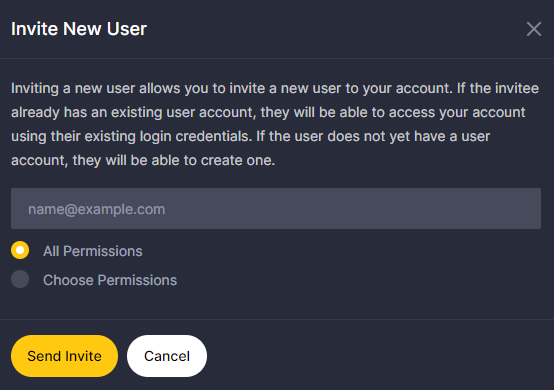
Then click on the "Invite New User" button and write the email of the person you want to add as a subuser to your billing account. On this section you can also select the permission you want that subuser to have.